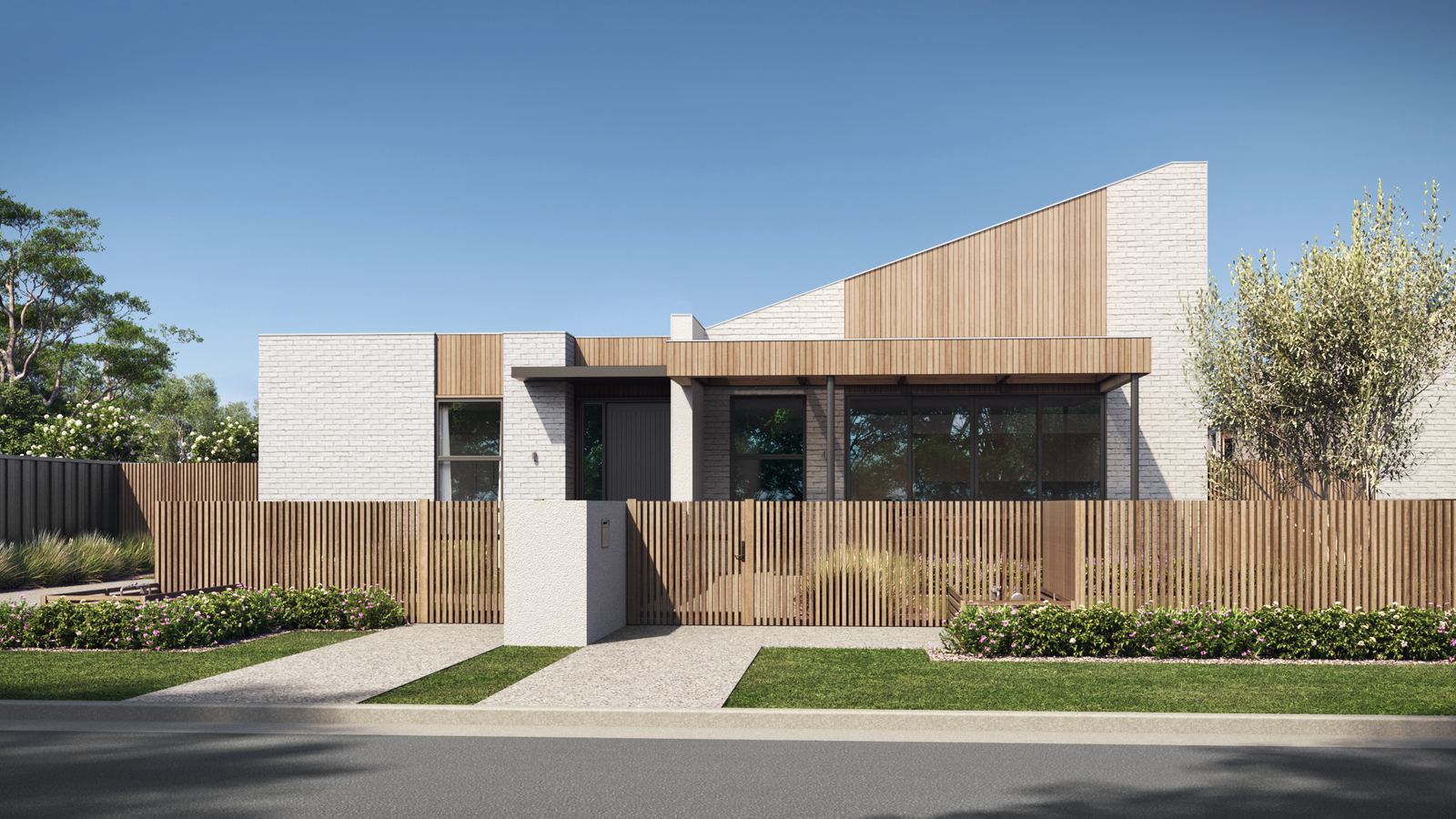
The four NDIS SDA design categories in plain English, how certification works, and what 3D renders and floor plans should show before an SDA home is built.
Quick answer: The NDIS SDA Design Standard sets the minimum design requirements for new Specialist Disability Accommodation in four design categories: Improved Liveability, Fully Accessible, Robust and High Physical Support. A new SDA home is certified twice by an independent, accredited SDA assessor: at the design stage, before construction starts, and again once it is built. Because the category shapes the whole floor plan, 3D renders and floor plans are the easiest way for providers, investors and participants to check a design early.
The four design categories
Improved Liveability
For people with a sensory, intellectual or cognitive impairment. The home has a reasonable level of physical access, plus features that make it easier to live in, such as clear wayfinding, good sight lines through the home and luminance contrast between surfaces. It is built to at least the Silver level of the Livable Housing Design Guidelines.
Fully Accessible
For people with significant physical impairment, many of whom use a wheelchair some or all of the time. Expect step-free entries and thresholds, room to move and turn, and kitchens and bathrooms that work from a seated position. It corresponds to the Platinum level of the Livable Housing Design Guidelines.
Robust
For residents whose support needs call for a very resilient home. It has a reasonable level of physical access and is built to stand up to heavy use: durable linings and fittings, secure doors, windows and outdoor areas, good sound insulation and safe places to retreat. That means fewer repairs and less risk to residents and neighbours.
High Physical Support
For people with significant physical impairment who need very high levels of support. It has everything a Fully Accessible home has, plus provisions such as structural support for ceiling hoists, an emergency power solution and space for assistive technology.
Building types
Each category can be built as an apartment, a villa, duplex or townhouse, a house or a group home. The building type and the category together decide much of the layout, including where shared areas and support staff spaces go.
How certification works
Every newly built SDA home needs SDA Design Standard certification, signed by an accredited SDA assessor who is independent of the provider, developer and owner. It happens in two stages: at the design stage, before construction starts, and again when the home is finished. Getting the design right before the first certification costs far less than changing it on site.
The standard is being reviewed
The NDIA has engaged KPMG to review the SDA Design Standard, and the next edition is being shaped with advice from a technical working group. Until a new edition is released, the current standard applies, so check the NDIS SDA design standards page before you start a design.
What to show in 3D renders and floor plans
- The entry and the path from the street or car park, step-free and well lit.
- Bathrooms and kitchens, shown from where the resident uses them.
- Room to move in bedrooms, living areas and hallways, and the route a ceiling hoist takes in High Physical Support homes.
- Contrast between floors, walls, doors and benchtops in Improved Liveability homes.
- Durable, secure finishes and quiet retreat spaces in Robust homes.
- Shared areas, outdoor space, and where support staff work and rest.
Who uses SDA renders
Providers and developers use them in feasibility studies, investor presentations and council applications. Builders use the floor plans and drawings to price the job. And when a home is ready to let, clear images of the bedroom, bathroom and living areas help participants and their support coordinators decide whether it suits them before they visit.
How 3D Design Studios helps
We offer 3D renders and drafting for NDIS SDA housing: homes, units and villas drawn and rendered from your plans and the design category you are building to. A typical package covers exterior renders, the key interiors and marketing floor plans, and we can add drafting and material takeoffs for the builder. Send your plans and we will quote within 1 hour during business hours. There is no deposit for ABN-registered companies.
Frequently Asked Questions
What are the four SDA design categories?
Improved Liveability, Fully Accessible, Robust and High Physical Support. Each one sets minimum design requirements for new SDA homes.
Who certifies an SDA home?
An accredited SDA assessor who is independent of the provider, developer and owner. Homes are certified at the design stage, before construction, and again once they are built.
Can one home meet more than one design category?
A design can be drawn to meet the requirements of more than one category. Ask your accredited SDA assessor how it will be certified, and check the NDIA's current enrolment rules.
Can you render an SDA home before it is certified?
Yes. We render from your plans at any stage, so the design can be checked and presented before certification and construction.
Do you draft SDA homes too?
Yes. We draft and render SDA homes and can add material takeoffs for the builder. Certification is done by your accredited SDA assessor.
Planning an SDA project? Send your plans for a quote within the hour, or see our 2D and 3D Floor Plans and Building Takeoff Services.
Ready to get started?
Get a Quote in 60 Minutes
Talk to our team about your project. We respond within 60 minutes during business hours.
Get a Free Quote