3D animation for industry
Mining, Machinery and Industrial Equipment Animation
How-it-works films, exploded views and spins of your machine, made from the CAD files your engineers already have.
Sample project: a machine of our own design
Trusted by Australian Builders, Designers & Developers
Machinery Animation
Show how your machine works, inside and out
Heavy machinery is hard to film and harder to explain. A 3D animation shows how your machine works, inside and out, without taking it off the job. We make it from the CAD files your engineers already have.
Send us the CAD files and tell us what you need to show. We'll send back a fixed quote.
Sample Project
A machine of our own design
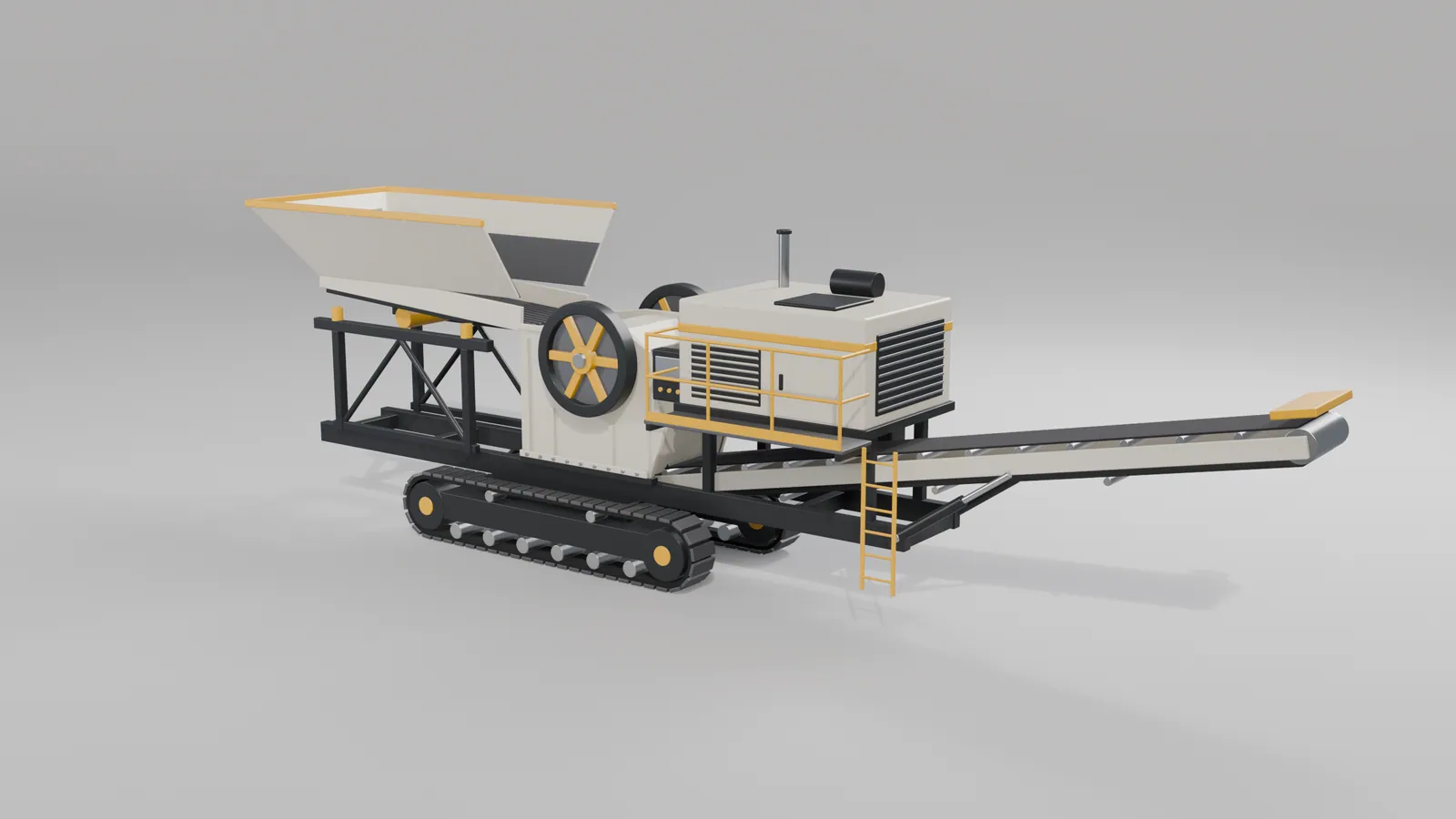
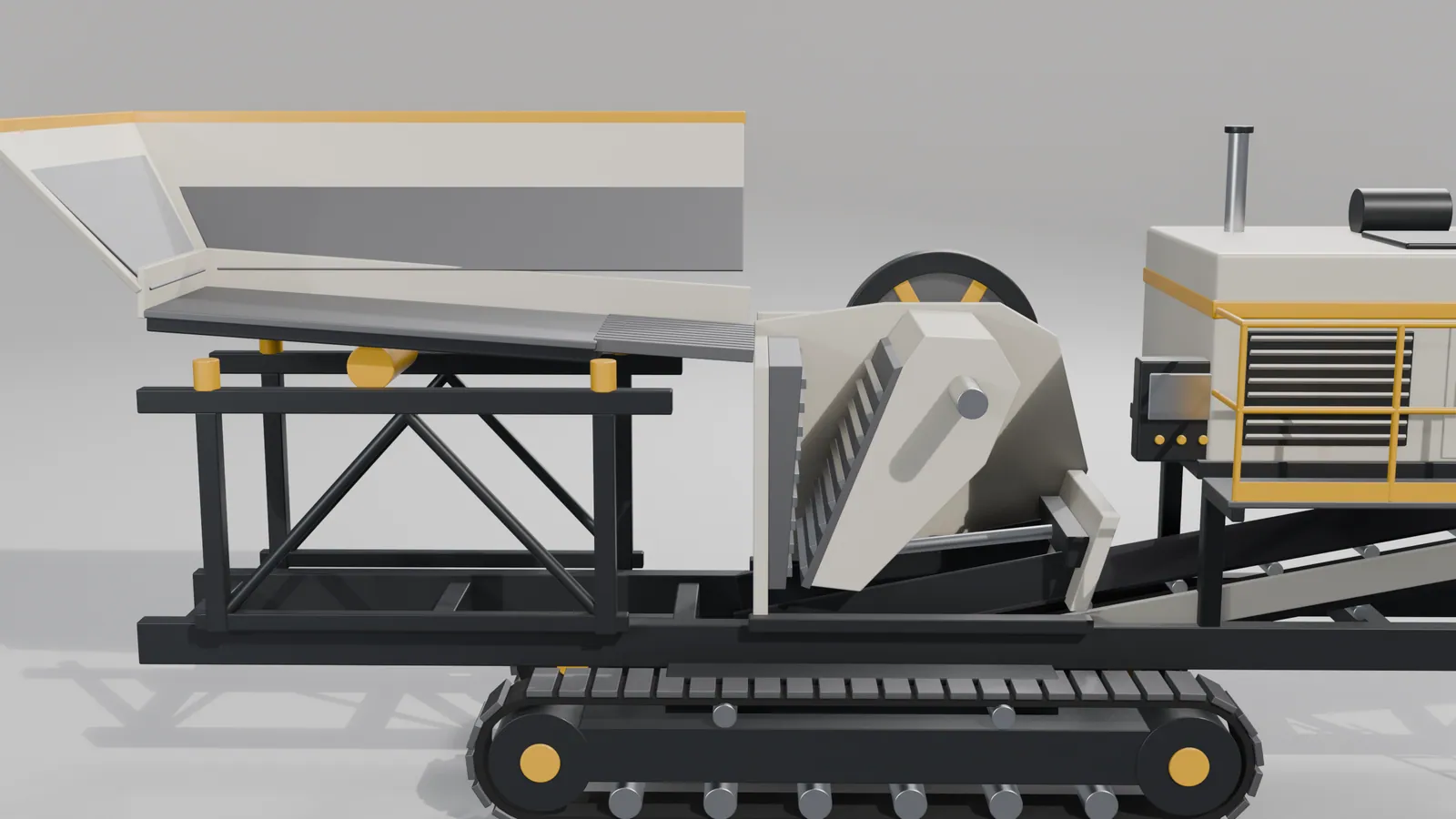
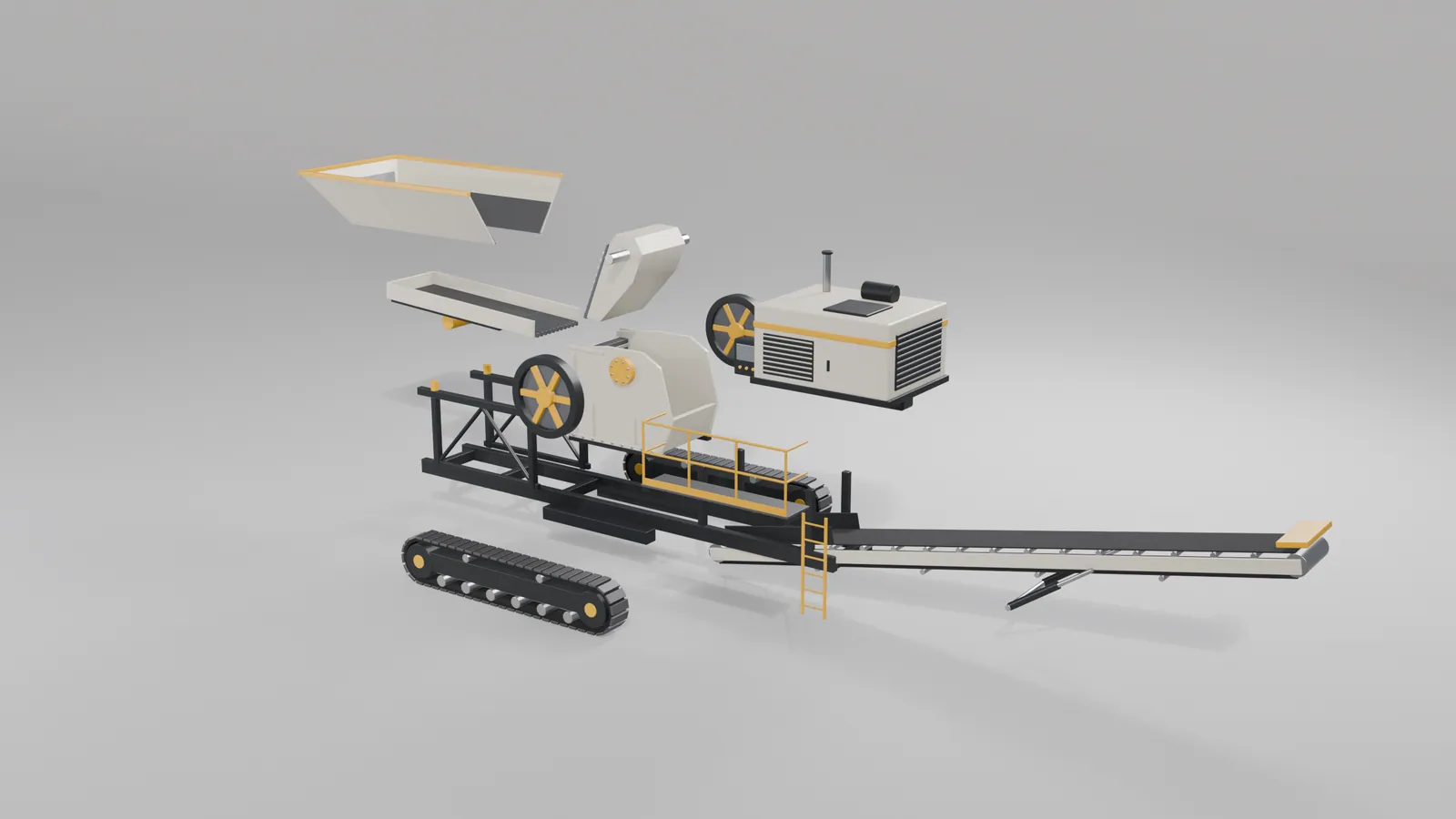
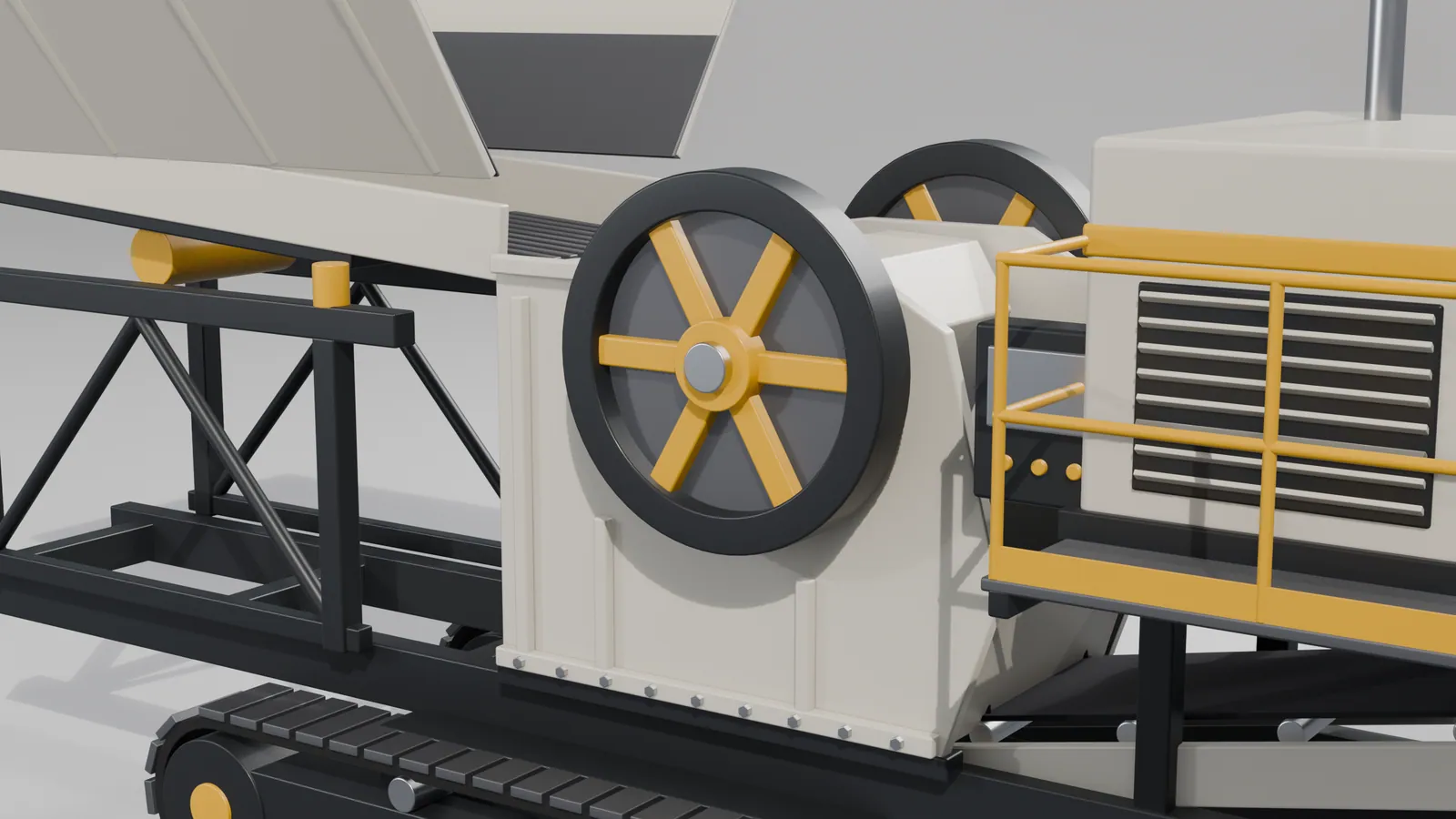
To show the service, we designed a mobile rock crusher and modelled it from scratch, about 390 parts in all. It is not a client's machine and not any real brand.
The views below show it whole, cut away to reveal the feeder and the jaws, pulled apart into its assemblies, and close up.
What We Make
Animation and stills for industry
- How-it-works animations. The machine running through its cycle, with cutaways to show what happens inside.
- Exploded views. Every assembly pulled apart and put back together, for sales, service and training.
- 360-degree spins. The whole machine turning on screen, for your website and tenders.
- Still renders in every option. Each colour, attachment and configuration, without building each one. See our product visualisation page.
- Safety and incident animations. How an incident happened and how to prevent it, for inductions and toolbox talks.
Your CAD Files
Made from your CAD files
We work from the design files you already have, so nothing is modelled twice and the result matches the real machine:
- STEP and IGES;
- SolidWorks, Inventor and Fusion;
- Parasolid;
- Revit, SketchUp and AutoCAD for plant and buildings.
No CAD? Our 3D modelling team can build the model from drawings, measurements and photos.
Who It's For
Makers, suppliers and operators
- Mining equipment makers and mining service companies.
- Farm machinery and construction equipment makers.
- Trailer, truck body, caravan and boat builders.
- Processing plant and materials handling suppliers.
- Any manufacturer launching a product before the first unit is built.
Safety
Safety and incident animations
When something goes wrong on site, a written report rarely changes behaviour. An animation shows the whole crew what happened, from angles no camera had, and what to do differently.
We build them from your incident report, site plans, equipment files and photos. They are made for training and communication. They are not expert evidence.
Where They're Used
Where the animations are used
- On the website and at trade shows, where the real machine can't go.
- In tenders and sales presentations.
- In operator training and maintenance manuals.
- In investor and board presentations for plant that isn't built yet.
Confidential
Your designs stay confidential
Your CAD files are your intellectual property. Before any files change hands, we sign your non-disclosure agreement, and we never show a client's machine as a sample without written permission.
How It Works
From your files to the finished set
01
Send the files
Send the CAD files and a short brief: what the animation must show, and who will watch it.
02
Fixed quote
We send a fixed quote and a delivery date.
03
Storyboard
We prepare the model, materials and lighting, and send a storyboard.
04
Review
You review a draft and mark it up.
05
Delivery
We deliver the final animation and stills in the formats you need.
FAQ